

About Data Sources
Newforma Konekt’s file manager allows you to add data sources to access your files on Microsoft SharePoint, Autodesk Docs (Autodesk Construction Cloud and Autodesk BIM 360), and Egnyte in order to make them available in your project. These files can also be added to submittals and RFIs as attachments.
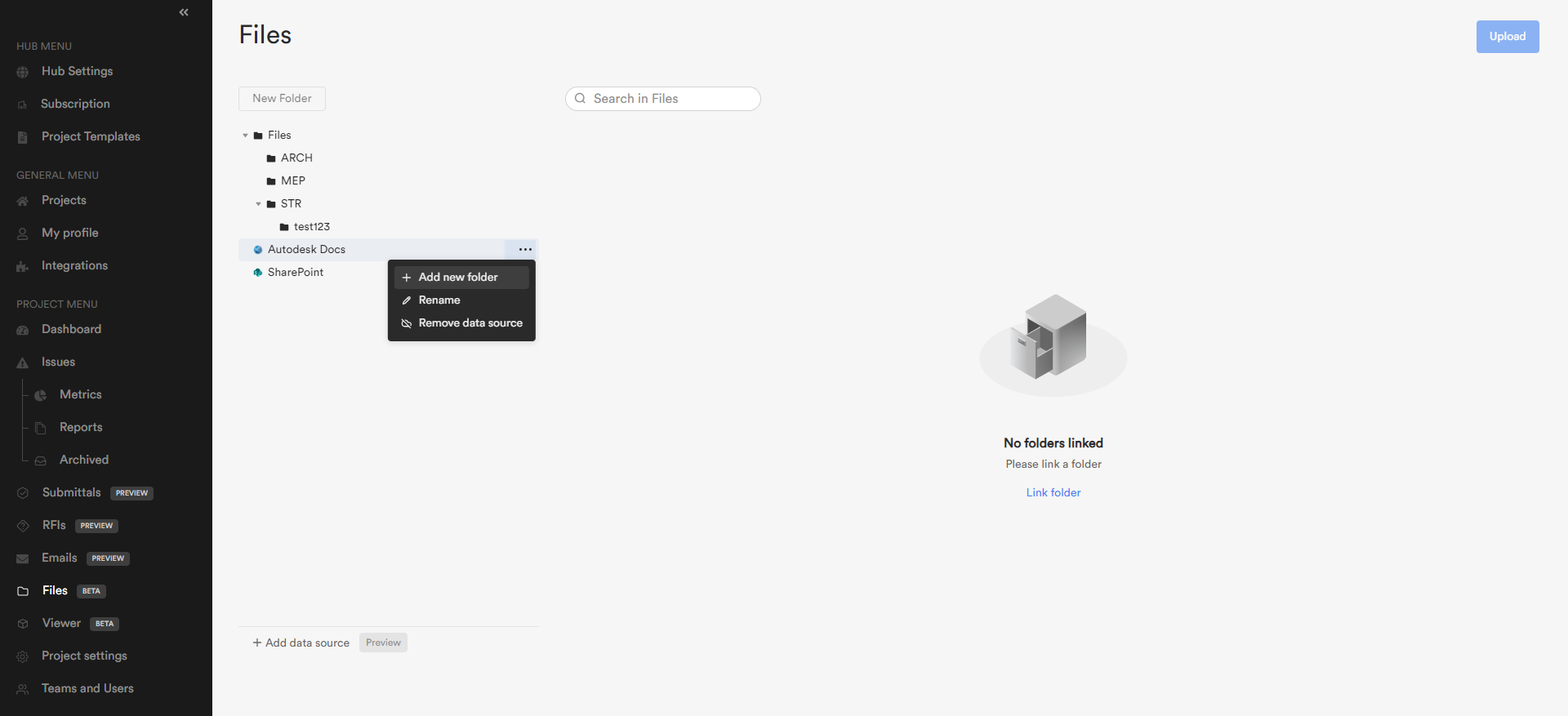
Once you have successfully connected to the data source, you will be able to select the folder you wish to link. Only one folder can be selected at a time. If you wish to add more folders, hover over the data source and click on the three dots icon. You can also delete a folder to remove it from the file manager. All the selected folders will appear below the data source in the folder tree on the left.
The features available for created folders and uploaded files are not the same across the data sources.
| File Management feature matrix | ||||||
| Feature | File manager | Autodesk Docs | SharePoint | Egnyte | ||
| Rename files and folders | ✔ | ✔ | ✔ | ✔ | ||
| Open file and folder details | ✔ | ✔ | ✔ | ✔ | ||
| Delete files and folders | ✔ | ✔ | ✔ | TBD | ||
| Share files with external team members via email | ✔ | ✔ | ✔ | ✔ | ||
| Download files | ✔ | ✔ | ✔ | ✔ | ||
| Download folders | ✔ | |||||
| Move files and folders | ✔ | TBD | ||||
| Manage file sets | ✔ | |||||
| Search files | ✔ | ✔ | ✔ | |||
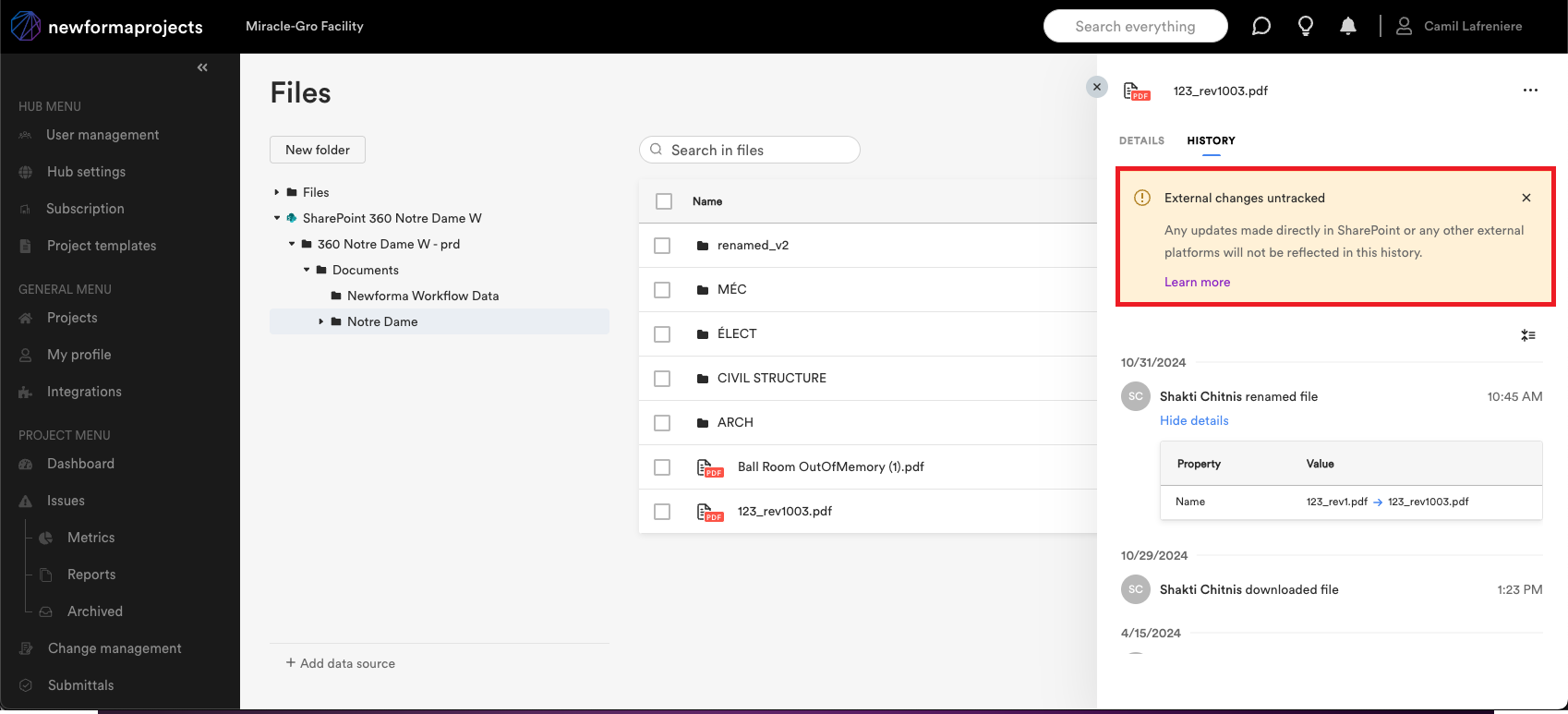
Important note: External changes outside of Newforma Konekt within a data source are untracked and are not included in the file manager under the History tab. For example: Any updates made directly in SharePoint or any other external platforms will not be reflected in the history within Newforma Konekt.
To learn how to add and manage a data source, see the other articles in this section.