Edit User Modules
1 minute
10 months ago
User Modules
A flexible user-based licensing model designed for your needs. Each module comes with its own set of available functions, giving you more control over user accessibility within a hub and a more personalized Subscription model.
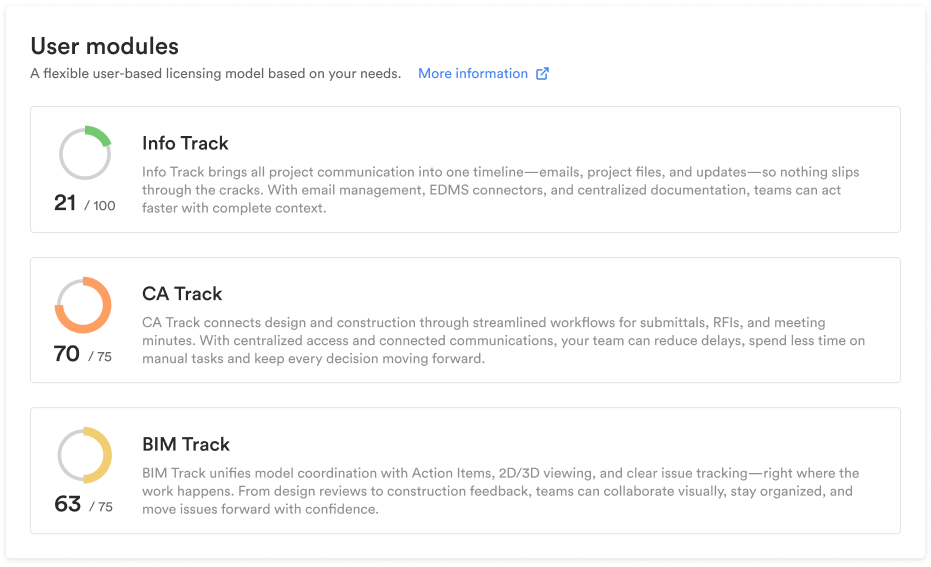
Assign User Modules
- In the User Management page, select the users you wish to edit/assign a seat.
- The Side panel will appear.
- Look for the ‘User Module’ field in the Details tab.
- Click on it.
- Select the seat you wish to assign to the user.(Note: Selecting CA or BIM will automatically assign the Info Seat)
Edit/Remove User Modules
- In the User Management page, select the users you wish to unassign a seat.
- The Side panel will appear.
- Look for the ‘User Module’ field in the Details tab.
- Click on the ‘X’ button next to the seat.