
Add/Change the Hub Logo
1 minute
2 months ago
You can add or change the logo associated with your hub via this page. This image will appear after the login page in the hub selection page and in the corner of the printed reports. We recommend placing a logo of your company here.
Pre-requits: Must be the Hub owner
Step-by-step procedure:
-
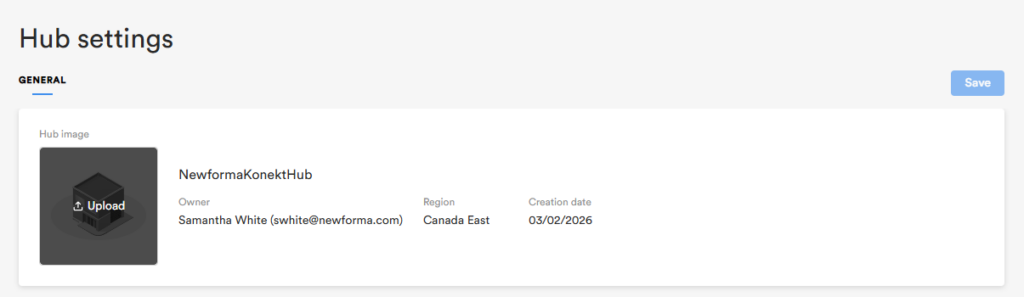
From the ‘Hub Settings’ page, locate the placeholder image in the general banner and click it.
-
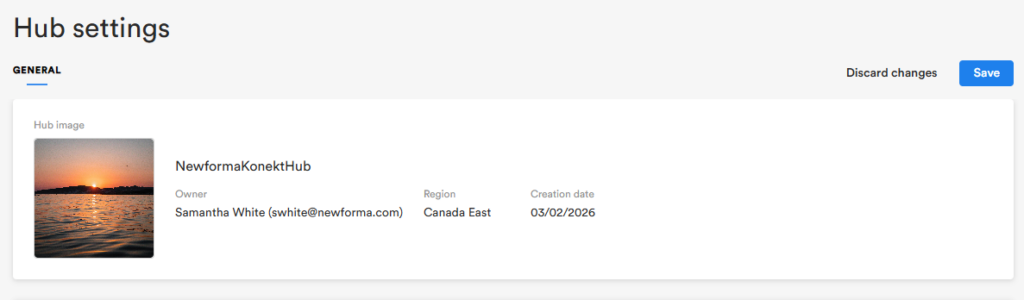
Select an image from your computer using the file explorer.
-
Click Save when you’re done to upload your new image.
Note: Supports JPEG, PNG, gif, bmp and tiff of 5mb or lower.
Supports JPEG, PNG, gif, bmp and tiff of 5mb or lower.